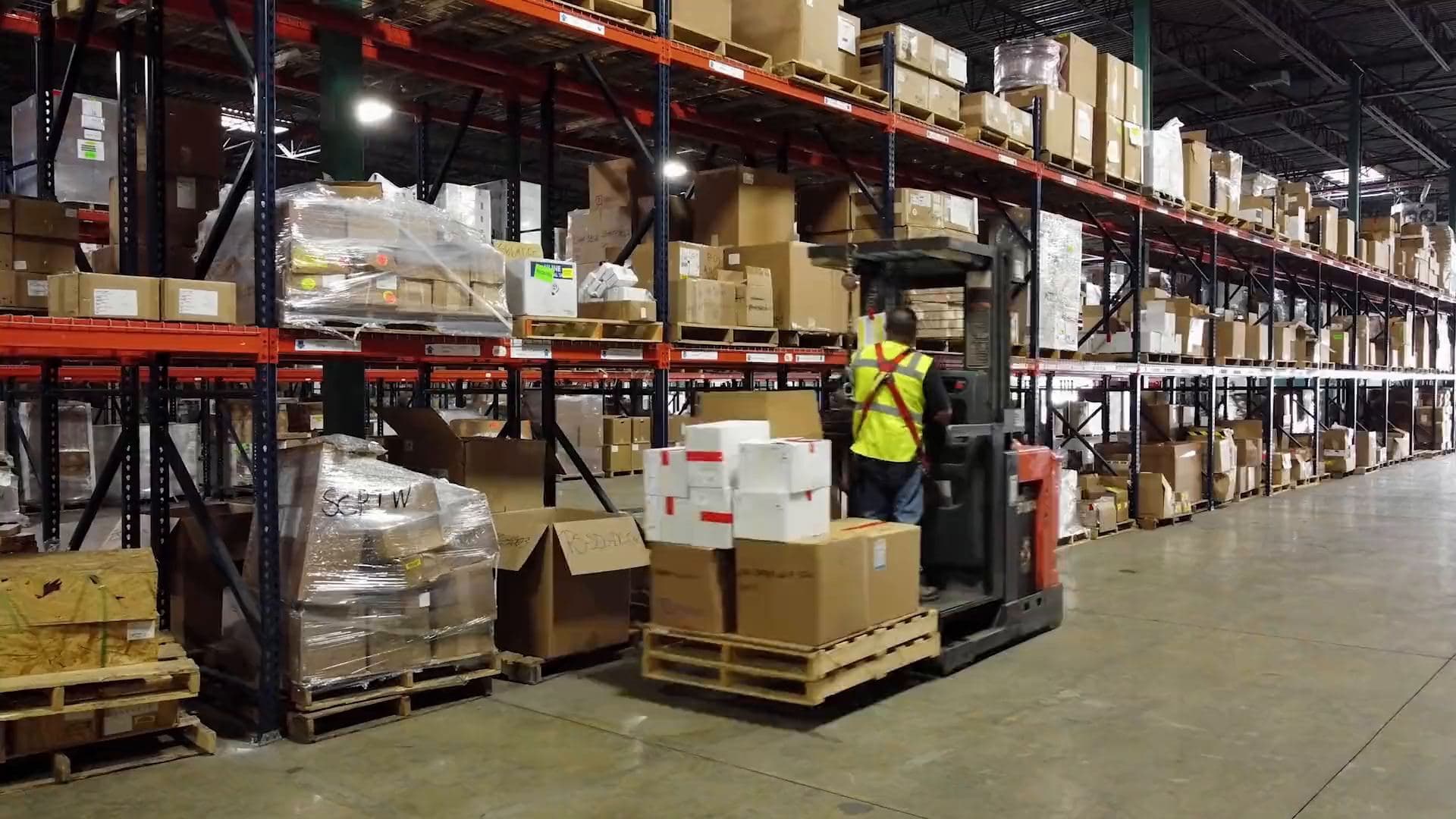
Take your warehouse management to the next level
A fast, modern WMS built for Uzbekistan
QR scanning, offline mode and full control — Ombor24 makes it all easy.
Try it free- 4 languages: UZ, RU, EN, TR
- Works without internet
- 1 month free
- Each company's data is isolated (RLS)
- Two-factor sign-in (2FA)
- Every action is logged
- Works offline
Not just features — what they do for you
Receive goods by QR in seconds
Scanner or phone camera — pallets and locations are found instantly. No paper, no manual typing, fewer mistakes.
No internet? Work goes on
Moves and shipments are kept on the phone and sent automatically when the connection returns — even deep inside the warehouse.
Full control over your team's work
Who moved or shipped which pallet and when — all in a log that cannot be deleted.
Your data stays yours
Each company sees only its own data, enforced by the database itself (RLS). 2FA for administrators.
Reports in one click
Stock, in/out, stock counts and delivery notes — as Excel or PDF. Connects to 1C via API.
Expiry is no longer a loss
A list of goods nearing expiry and FEFO hints: ship the oldest first; expired stock is blocked by the system.
AI Assistant: ask about your warehouse in plain words
"How much sugar is left?", "Anything expiring soon?", "What was shipped yesterday?" — type it and the assistant answers in seconds from your company's current stock and latest movements. It answers only warehouse questions and never changes data.
On the Biznes and Korporativ plans. Works in 4 languages.
Frequently asked questions
Does the system work without internet?
Yes. Warehouse staff can move and ship pallets and request write-offs offline — actions are kept on the phone and sent as soon as the connection is back. If a pallet changed in the meantime, the system warns "Scan again". Receiving, splitting and returns need a connection.
Can we bring data from another program (e.g. Excel)?
Yes. Products, warehouse locations and opening stock are imported from Excel (.xlsx) or CSV. A ready template exists in 4 languages; the system checks the file first, shows errors with row numbers, then saves everything at once.
How does the 30-day free trial work?
Sign up — no card needed — and use every feature of the Biznes plan free for 30 days. The trial is given once per company and per device. When it ends and your wallet covers the price, the plan continues automatically. If not, you keep working for 3 more days; then nothing is deleted — the account becomes read-only until you buy Biznes or Korporativ.
What scanner do we need?
Any Bluetooth or USB barcode scanner that types like a keyboard. No scanner? Use an ordinary phone camera (switch it on in Settings).
Is our data safe?
Each company sees only its own data — the rule runs inside the database (Row Level Security). Administrators and accountants sign in with 2FA, and every change is logged.
Can we connect 1C?
Yes, on the Business and Corporate plans. Create an API key in your account and 1C reads stock, movements, orders and delivery notes as JSON.
What can the AI Assistant do?
The AI Assistant is a chat in your account: it answers questions about stock, movements, expiry dates, delivery notes and using the system. It relies only on your company's data (current stock and the last 20 movements) and changes nothing. Questions are processed by an external AI service; people's names, phones and emails are not sent. Biznes includes 50 questions a day, Korporativ 300. Check the answer before important decisions.